Sideloading Apps: The Ultimate Amazon Firestick Tutorial
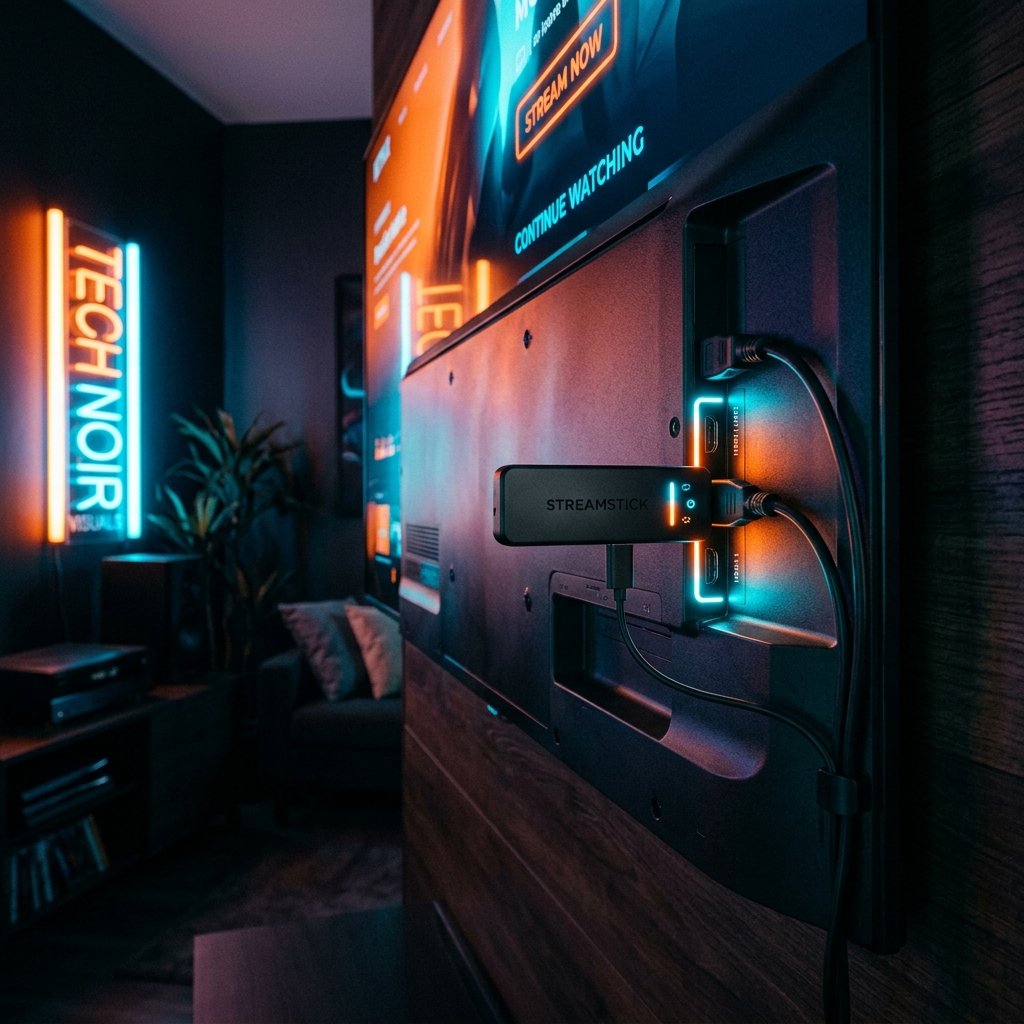
The Amazon Firestick is undeniably the most popular piece of streaming hardware in the United Kingdom. Its combination of aggressive pricing, surprisingly robust processors (especially the 4K Max variant), and an interface familiar to millions makes it the perfect entry point for cord-cutters. However, out of the box, Amazon heavily restricts which applications you can install. If you want to run iptv on firestick, you will quickly discover that the absolute best media players are conspicuously absent from the official Amazon Appstore.
Do not panic. This restriction is easily bypassed through a completely legal, native process known as ‘sideloading’. Sideloading simply means installing an application directly from the internet rather than relying on the curated Amazon storefront. This comprehensive tutorial will teach you exactly how to safely sideload top-tier players like TiviMate or IPTV Smarters Pro, transforming your £40 HDMI stick into a £100-a-month satellite replacement. If you need a premium connection to test your new setup, remember you can always request an iptv free trial from our team.
Key Takeaways
- Sideloading requires enabling ‘Developer Options’ hidden within your Firestick settings.
- The ‘Downloader’ application from AFTVnews is the industry standard tool for this process.
- Only install APK files from trusted, official developer URLs to ensure your device’s security.
- Clearing your Firestick’s cache regularly prevents unexpected buffering during live streams.
Step 1: Enabling Developer Options
In recent software updates, Amazon decided to hide the ‘Developer Options’ menu to prevent novice users from accidentally altering core settings. Before you can install any third-party software, you must unhide this menu. To enable the ability to run iptv on firestick, follow these precise steps from your home screen:
- Navigate to the far right of the top menu and click on the Settings gear icon.
- Scroll down and select My Fire TV.
- Click on About.
- Highlight the very first option (it will usually say ‘Fire TV Stick 4K’ or similar) and click the centre action button on your remote exactly seven times rapidly. A notification will appear at the bottom stating, “No need, you are already a developer.”
- Press the ‘Back’ button once. You will now see Developer Options visible under ‘About’.
- Enter Developer Options and turn Apps from Unknown Sources to ON.
Step 2: Installing the Downloader App
With your device now permitted to accept third-party files, you need a web browser capable of fetching them. While the built-in ‘Silk Browser’ works for surfing, the ‘Downloader’ application is specifically designed to fetch Android installation files (known as APKs) cleanly and efficiently.
Return to your Firestick Home screen. Navigate to the magnifying glass search icon and type “Downloader”. The app features a distinctive orange logo with an arrow pointing downwards. Install it from the official Amazon Appstore (this step is entirely native). Once installed, open Downloader and click ‘Allow’ when it asks for permission to access photos, media, and files on your device. It requires this permission to save the installation files.
Step 3: Downloading Your Chosen Media Player
You are now at the crucial juncture. You must instruct Downloader exactly where to fetch your new media player. When deploying iptv on firestick, you have two primary heavyweights to choose between: TiviMate and IPTV Smarters Pro. For Android-based operating systems (which the Firestick utilises), TiviMate is widely considered the absolute pinnacle of premium software. You can review our full comparison on our best iptv apps page.
Within the Downloader app, you will see a prominent URL bar. If you wish to install TiviMate, you must enter the official shortcode or URL provided by the developer. Because these URLs change frequently as developers release new updates, we recommend visiting the official TiviMate Reddit community or requesting the most current, secure APK link directly from our 24/7 WhatsApp support team. Never type in random numbers you find on unverified YouTube videos, as these can easily link to malicious, cloned versions of the software.
Once you enter the correct URL and hit ‘Go’, Downloader will fetch the file. A prompt will appear asking if you wish to ‘Install’. Click it. Once the installation finishes, always click ‘Delete’ to remove the raw APK file; Firesticks have notoriously limited storage, and you no longer need the installation file once the app is running.
Step 4: Linking Your Subscription
Open your newly installed application. Whether you chose Smarters or TiviMate, you will be greeted with a prompt to ‘Add Playlist’. We highly recommend selecting the ‘Login with Xtream Codes API’ option rather than attempting to type a massive M3U URL with an on-screen keyboard.
You will need to input the Portal URL, Username, and Password provided to you when you purchased your subscription via our pricing plans. This information is strictly case-sensitive. Ensure there are no trailing spaces at the end of your username. Once authenticated, the application will securely connect to our UK servers and download the entire electronic programme guide containing over 50,000 uk iptv channels.
Crucial Firestick Maintenance
The Amazon Firestick is an incredible device, but its Achilles’ heel is its limited Random Access Memory (RAM). Unlike a £200 Nvidia Shield, a Firestick can become bogged down if left running continuously for weeks without a reboot. If you begin to experience stuttering on 4K sports streams despite having a fast internet connection, your hardware is likely the bottleneck.
To ensure flawlessly smooth playback, we strongly advise forcing a hard reboot of your Firestick at least once a week. You can do this by physically unplugging the device from the wall socket for 30 seconds. Additionally, clear the cache of your streaming application regularly via Settings > Applications > Manage Installed Applications. For broader advice on maintaining network performance, consult technical resources on ISPreview UK.
Conclusion: A Premium Ecosystem
By bypassing the restrictive Amazon Appstore and learning how to safely install iptv on firestick, you unlock a level of cinematic entertainment previously reserved for those paying £100 monthly contracts. The combination of our high-speed UK routing infrastructure and a premium application like TiviMate transforms your Firestick into an unparalleled broadcasting hub.
If you have followed these instructions and successfully sideloaded your player, contact us today via WhatsApp to secure your trial or full subscription. Should you encounter any hurdles enabling Developer Options or typing your credentials, our support team is available around the clock to assist you directly. Embrace the freedom of contract-free entertainment.