The Ultimate Guide to the Best IPTV Apps in 2026
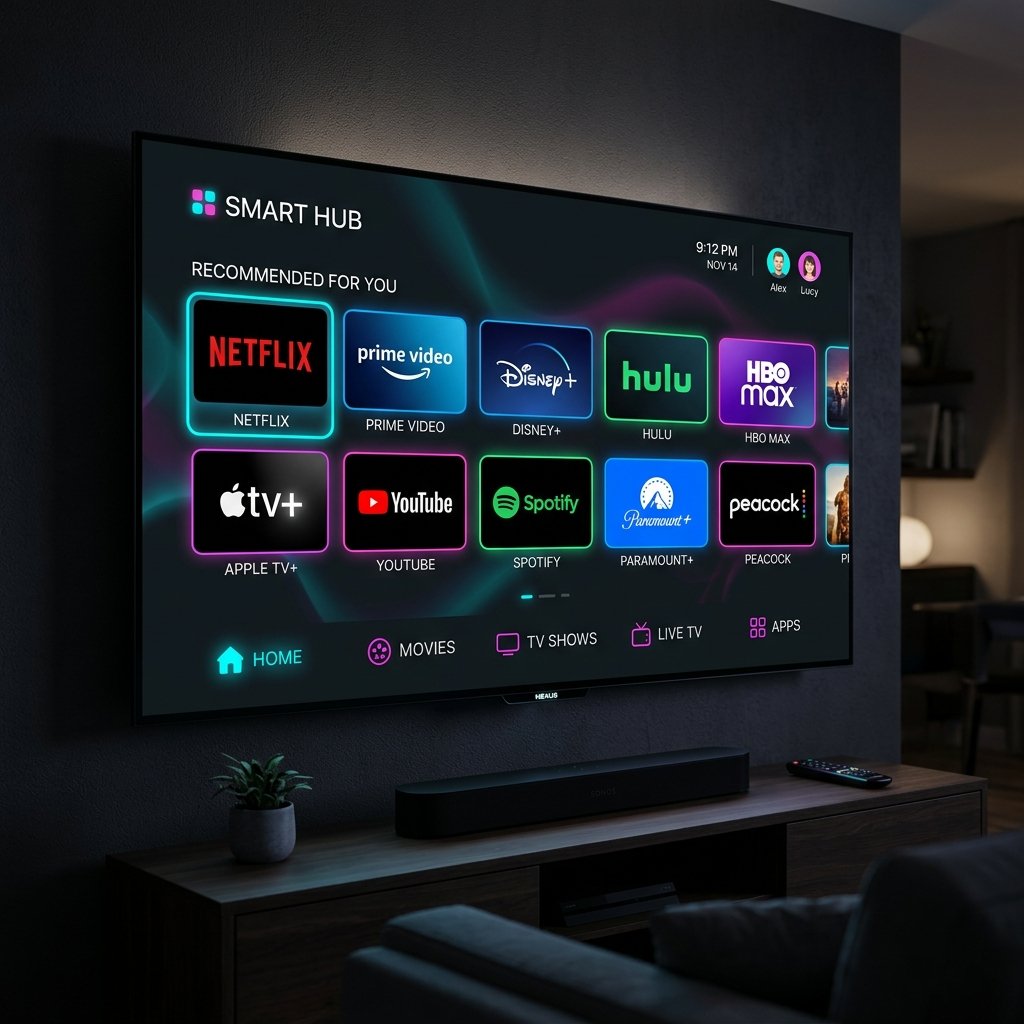
Having a premium subscription is only half the battle when it comes to cutting the cord; the software you use to decode and display those streams is equally vital. The market is currently flooded with hundreds of generic media players, but finding the truly best iptv apps can be a daunting task for newcomers. A high-quality application ensures your electronic programme guide (EPG) loads quickly, prevents unnecessary caching issues, and provides an intuitive, cinematic user interface that rivals native smart TV software.
In this comprehensive overview, we will analyse the most reliable and feature-rich media players currently available. Whether you are using an Amazon Firestick, an Android TV box, or a flagship Samsung television, selecting from our curated list of the best iptv apps guarantees a flawless viewing experience. Before you dive into configuring these applications, you can request an iptv free trial from our homepage to obtain the login credentials you will need to test them.
Key Takeaways
- The application you choose heavily dictates your interface speed and EPG reliability.
- TiviMate is widely considered the ultimate premium player for Android-based hardware.
- IPTV Smarters Pro remains the most versatile, user-friendly option for beginners across all operating systems.
- Always download applications from official stores or trusted developer websites to ensure security.
1. TiviMate: The Premium Android Experience
If you are operating an Android TV, Nvidia Shield, or Amazon Firestick, TiviMate is almost universally regarded as the reigning champion. When discussing the best iptv apps, TiviMate consistently takes the top spot due to its unbelievably sleek interface, which heavily mimics the premium feel of a traditional high-end satellite box. It is designed specifically for television screens, meaning navigation via a directional remote control is utterly flawless.
TiviMate handles massive playlists with ease, meaning our 50,000+ uk iptv channels will load almost instantly. It supports multiple playlists, customisable EPG update intervals, picture-in-picture mode, and advanced catch-up functionality. While there is a free tier available, upgrading to TiviMate Premium unlocks its true potential, allowing for comprehensive favourite list management and UI customisation.
2. IPTV Smarters Pro: The Universal Standard
Not everyone operates an Android-based system. If you require an application that functions beautifully across iOS, Android, Windows, Mac, and various Smart TV operating systems, IPTV Smarters Pro is the gold standard. It easily ranks among the best iptv apps because of its incredible versatility and highly intuitive “Xtream Codes” login system.
Instead of manually typing out a massive, convoluted M3U URL using an on-screen keyboard, Smarters allows you to simply input a username, password, and portal URL. Once logged in, the dashboard elegantly separates Live TV, Movies (VOD), and Series into distinct, easy-to-navigate blocks. It also includes built-in speed testing and parental controls, making it the perfect choice for families. If you need help getting this software running, check out our dedicated IPTV Smarters setup guide on the blog.
3. Smart IPTV (SIPTV): The Smart TV Veteran
For users who own older Samsung (Tizen) or LG (WebOS) televisions and prefer not to purchase external streaming sticks, Smart IPTV remains a highly viable solution. It was one of the original trailblazers in the market and retains its status as one of the best iptv apps for sheer simplicity and widespread native smart TV support.
To use SIPTV, you simply install the application on your television, note down the unique MAC address displayed on the screen, and upload your playlist via their external website. It is incredibly lightweight, meaning it runs smoothly even on televisions with limited processing power. While the interface is somewhat spartan compared to TiviMate, it is ruthlessly efficient at displaying large channel lists without lag.
4. XCIPTV: The Sleek Alternative
XCIPTV has rapidly gained popularity over the last few years, carving out a significant niche as one of the best iptv apps for users who want a visually stunning interface right out of the box. Like Smarters, it utilises the highly convenient Xtream Codes API login method. However, its built-in media players (ExoPlayer and VLC) are incredibly robust, meaning it handles variable bitrates and 4K streams with exceptional grace.
XCIPTV features full EPG support, catch-up capabilities, and a brilliant VOD section that pulls in rich metadata—such as IMDB ratings, cast lists, and cinematic backdrops—to create a Netflix-style browsing experience for your movie library.
Security and Official Downloads
A crucial aspect of setting up your streaming ecosystem is software security. Because third-party streaming is immensely popular, the internet is littered with modified or malicious clones of popular media players. To ensure your hardware remains secure and your data private, you should only ever download the best iptv apps from official, trusted sources.
For Android users, stick to the official Google Play Store whenever possible. If you must sideload an application onto a Firestick using the Downloader app, verify that the URL you are entering belongs to the official developer. You can read more about securing your connection in a recent cybersecurity report by the UK National Cyber Security Centre, which emphasises the importance of software verification. Additionally, using a premium Virtual Private Network alongside your chosen app is highly recommended.
How to Choose the Right App for You
Selecting the optimal application entirely depends on your hardware ecosystem. If you are deeply invested in the Apple ecosystem (using an Apple TV 4K), applications like iPlayTV or GSE Smart IPTV are fantastic choices. If you are using a dedicated Android box like the Nvidia Shield, purchasing TiviMate Premium is practically mandatory for the best possible experience.
We actively test our servers against all the major applications discussed in this article. Once you have made your hardware decision—feel free to consult our devices compatibility list—you can confidently install your chosen player knowing our streams will function flawlessly. Secure your subscription via our pricing page today, input your credentials into your shiny new app, and elevate your home entertainment immediately.